Someone Filled Out Your Contact Form. Now What?


You just got an inquiry through your website!
It lands in your inbox while you’re with a client, driving to a job, or trying to finish the work already on your plate. You read it and think, I’ll get back to them this afternoon.
Then the afternoon happens.
A call runs long. Someone needs an answer right now. You remember the inquiry later, but first you have to find the email again. Did you reply already? Did you put their information somewhere? Were they asking for a quote or trying to book?
If this sounds familiar, you don’t need a lecture about being more organized. You need a way for the inquiry to have a next step, even when you’re busy.
Your contact form is only the beginning
Most website forms are set up to do one thing: send you an email. After that, everything depends on what you remember to do with it.
That might work when you get an occasional inquiry. As your days fill up, it gets harder to keep track of who reached out, what they need, and whether anyone has followed up.
The problem often isn’t the form itself. It’s the gap between “someone contacted us” and “we know what happens next.”
Give every inquiry a place to land
You don’t have to build a complicated system to close that gap. Start by answering a few questions:
- Where will you keep the person’s name, contact information, and request?
- How will you know whether they’ve received a reply?
- Who needs to take the next step?
- When should you check back if you haven’t heard from them?
Your answers might live in a spreadsheet, a CRM you already use, or another tool that fits the way you work. What matters is that an inquiry doesn’t disappear into a crowded inbox.
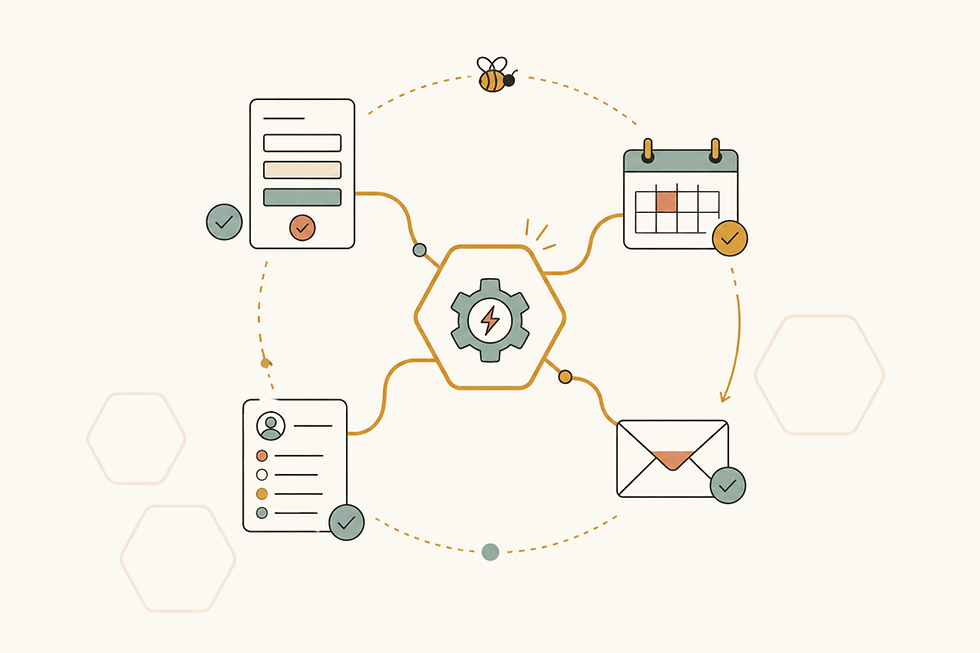
For example, someone fills out your form asking about a service. Their details go into one place, you get a reminder to respond, and you can see that you’re waiting on information before sending a quote. A week later, you can still tell where things stand without digging through old emails.
Nothing flashy. Just a clear path from “new inquiry” to “taken care of.”
You might already have what you need
Before paying for another app, look at what your website, email, calendar, and current tracking system can do together. Sometimes a few small changes are enough. Your form could ask for the details you usually have to chase down later. Its responses could feed into the place you already track clients. A reminder could prompt you to follow up.
And if part of your process still happens on paper, that’s okay too. A useful system should fit the people running the business.
The goal isn’t to automate every conversation. It’s to make sure you have the information you need for the conversation, and that the next step doesn’t get lost.
Try following one inquiry all the way through
The next time someone contacts your business, pay attention to what happens after you receive the notification.
Where do you put their information? What do you have to copy and paste? What are you relying on yourself to remember? If they don’t answer your first reply, will you know to check back?
Those little moments will tell you more about what needs fixing than a list of “must-have” software ever could.
That’s the kind of work I help with at HoneyComb Workflow Studio. We look at how things actually move through your business, find where they get stuck, and build a better way forward using the tools and habits that make sense for you.
If you’ve noticed that your website inquiries are slipping through the cracks, I’d love to look at your current workflow and give you suggestions on how to optimize it so that it works better for you. You can book a free Workflow Clarity Call, and we’ll start with what happens after someone clicks Send.


Comments